The Commonwealth of Massachusetts is proud to offer Jawnt Pass to all eligible employees.
Use your Jawnt Pass commuter debit card to pay for transit and parking with pre-tax dollars, and save up to 30% or more on your commute!
The deadline to enroll or make changes in Jawnt is December 3rd. Once enrolled, your benefit will be active starting the next month.
1. Go to app.jawntpass.com/login.
2. Enter the email you use for work.
3. Enter the one-time code we email you. Once verified, you'll be taken to your Jawnt account.
4. Complete the steps to enroll.
That's it! You'll get an email from Jawnt when your card is loaded and ready to use.
Learn more about your available benefits.

Use your Jawnt Pass debit card to pay for transit expenses with pre-tax dollars and save money on your way to and from work! The exact savings depend on your tax bracket, but most people save around 30% on eligible commuting expenses compared to paying out of pocket.
In addition, some Commonwealth employees are also eligible to take advantage of the TransitMatch benefit, which offers up to $150 in reimbursement per month for qualified transit expenses—allowing for even more savings. Learn more about the TransitMatch program here.
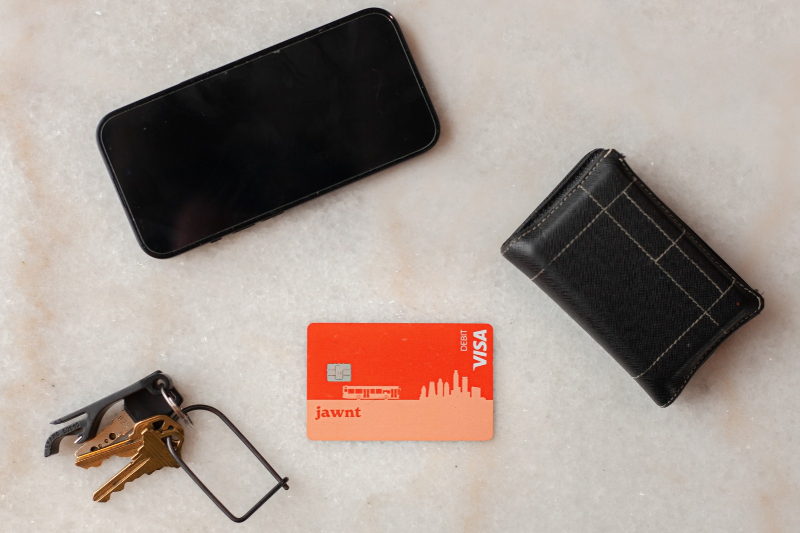
Once enrolled in this benefit, you'll receive your Jawnt Pass commuter debit card, which can be used to pay for eligible transit expenses, including:
Important deadline information: If purchasing a monthly pass through the MyCharlie website, be sure to purchase your monthly pass by 5pm ET on the 22nd of the month so you can start riding on the 1st
Use your Jawnt Pass debit card to pay for work-related parking expenses and save money on parking costs! Eligible expenses include parking at transit stations and facilities near your workplace.
You can load pre-tax funds onto your Jawnt Pass commuter debit card and pay for parking expenses directly, or submit parking-related reimbursements through Jawnt.
To add funds to your Jawnt Pass debit card for parking, enroll or log into Jawnt, then update your Jawnt Pass enrollment with the amount you typically pay for parking each month. If you're not sure how much to enter, you can estimate slightly more than you need, and unused funds will roll over each month.
Answers to commonly asked questions about commuter benefits.
What commuter benefits does the Commonwealth offer and who’s eligible to enroll?
The Commonwealth of Massachusetts offers a pre-tax benefit that consists of two (2) distinct categories: transit and parking.
Active state employees are eligible to participate in the program. Employees must work at least 18.75 hours in a 37.5 hour workweek or 20 hours per 40 hour workweek. This is an employee (including contracted employees) benefit only.
What expenses are considered eligible transit expenses?
Qualified transit expenses include:
Transit may be via:
What expenses are considered eligible parking expenses?
Qualified parking expenses include:
Is there a fee?
The monthly fee for this program is $3.25. Some departments cover the cost of the monthly fee for employees. For more information, contact your HR department.
I'm currently enrolled in commuter benefits with Voya. What do I need to do?
Effective January 1, 2027, Jawnt will be the new commuter benefits provider, and Voya will be discontinued. If you were previously enrolled in Voya, you’ll need to re-enroll in Jawnt and complete a one-time process to receive your new Jawnt Pass commuter debit card. Enrollment in Jawnt will open in mid-November. The deadline to enroll for January 1 benefits is December 3, 2026. See the "Enrolling” section below for steps on how to quickly and easily enroll in Jawnt.
If you have a commuter debit card through Voya, any unused funds from your existing card will be rolled over to your Jawnt Pass debit card. Here's what you need to know about transitioning your Voya debit card to the Jawnt Pass debit card:
Is there a Jawnt app, similar to the Voya app?
The Jawnt web application is optimized for both mobile and desktop. There is not a separate Jawnt app, but employees may access their account on a mobile browser by going to app.jawntpass.com.
How do I enroll?
To enroll, you'll complete a quick, one-time process in the Jawnt online portal:
1. Go to app.jawntpass.com/login.
2. Enter the email you use for work.
3. Enter the one-time code we email you. Once verified, you'll be taken to your Jawnt account.
4. Complete the steps to enroll. If you want to rollover your funds from your previous provider but not contribute further, you can enroll in $0.
For more details, see this help article on how to enroll in Jawnt Pass.
Can I enroll in both transit and parking benefits?
Yes! You can pay for both transit and parking expenses with your Jawnt Pass debit card—no need for multiple cards or enrollments. For example, if you drive to a T station, park in the lot, and take the T to work, you’ll benefit from enrolling in both the transit and parking benefits.
Before you get started, you’ll want to have a general estimate of how much you’ll be spending on both transit and parking per month. If you’re not sure, you can always round up these estimates and add a little more, to ensure you’re covered for any unexpected expenses throughout the month. Any unused funds will roll over to the next benefit month, and you can adjust your contributions later if needed.
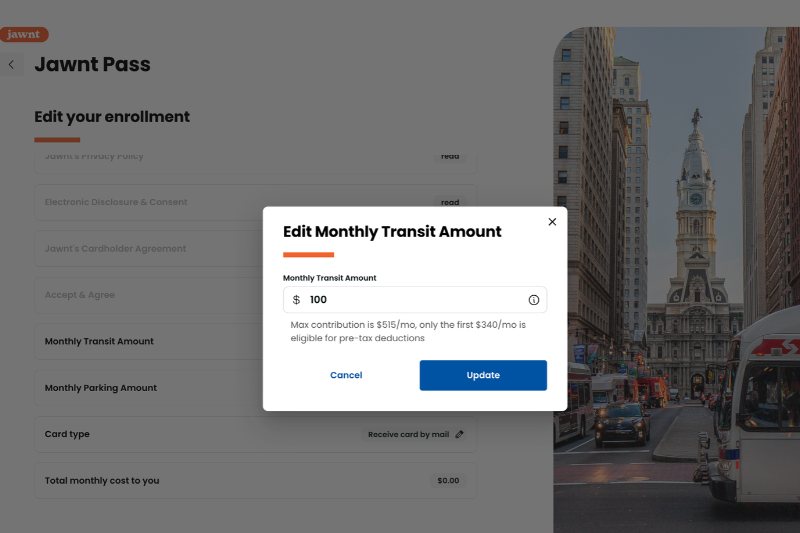
When enrolling in Jawnt Pass, enter your estimated monthly amounts for transit and parking in the appropriate sections. Complete the remaining steps, and you're all set! Once your card is funded, you'll see your transit and parking balances on the Jawnt Pass page of your account. Learn more about enrolling in Jawnt Pass.
What is the deadline to enroll?
The deadline to enroll or make changes in Jawnt is the first Wednesday of the month. Once enrolled, your benefit will be active starting the next month.
How do I obtain my Jawnt Pass debit card once I’ve enrolled?
When you enroll in Jawnt Pass, you can choose whether to receive a physical card (which includes a virtual card) or a virtual card only. If you choose a physical card, you will receive your physical card in the mail within 5-7 business days. From there, you’ll need to activate your card in Jawnt. For more information about physical and virtual cards, see this help article.
On what date each month will the debit card be loaded with my monthly amount?
Both transit and parking funds are loaded onto your Jawnt Pass debit card around the 20th of the month. Funds can be used right away if needed (for example, if you need to buy a monthly pass from the MBTA, you may buy that pass as soon as transit funds are loaded onto your card). Your Jawnt account will also show this balance at that time, and you can file claims for reimbursement in lieu of using the card, where applicable.
What should I expect to see on my paycheck when enrolled in Jawnt Pass?
The amount you contribute to your Jawnt Pass debit card will be deducted from your paycheck, pre-tax. Payroll deduction is taken once monthly before the effective benefit month. Please note that parking and transit deductions are now taken out of the same paycheck, typically the first of the month.
Will the Jawnt Pass debit card work with Apple Pay and Google Wallet?
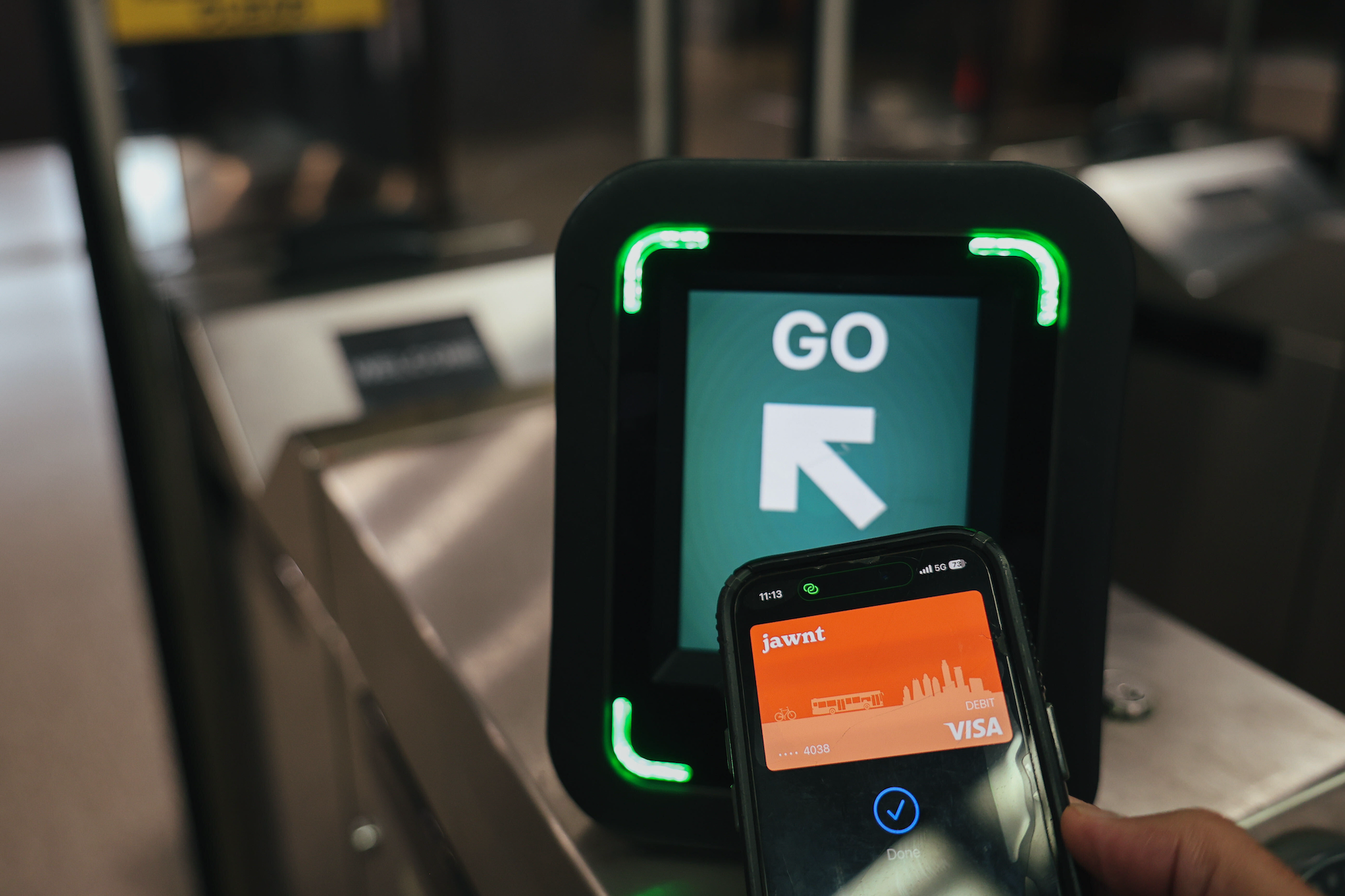
Yes, you can add your Jawnt Pass to Apple Pay or Google Wallet on your phone or watch, just like any other credit or debit card. To learn how, follow the steps in this help article.
How can I use the card to purchase my MBTA pass?
The Jawnt Pass debit card can be used just like any other credit or debit card when purchasing a monthly pass or single ride ticket. In addition, it can also be used at stations and on vehicles where Tap to Pay (or Tap to Ride) is accepted.
If you'd like to continue purchasing monthly passes, you'll need to complete a one-time process to get your Jawnt Pass debit card, then you can use that card to set up auto-pay so you can continue getting your transit pass without needing to re-order each month.
Important deadline information: If purchasing a monthly pass through the MyCharlie website, be sure to purchase your monthly pass by 5pm ET on the 22nd of the month so you can start riding on the 1st. This help article contains detailed information about how to use Jawnt Pass with the MBTA.
What happens if my monthly pass expense for transit exceeds the pre-tax maximum?
You can enroll for a monthly amount greater than the IRS pre-tax limit. Jawnt and your payroll department will calculate the pre- and post-tax amounts through your payroll. You do not need to sign up for separate pre- and post-tax amounts; just enter the entire amount you wish to contribute in the Monthly Transit Amount field. Any amount above the limit will not be included in the pre-tax deduction on your paycheck.
What should I do if my debit card does not work at the station when I go to purchase my monthly pass?
If your card isn’t working, it may be because the card is not yet activated, the card doesn’t have sufficient funds, or the card has been hotlisted by the MBTA.
Steps you can take:
What should I do if I don’t receive my Jawnt Pass debit card in time to buy my first monthly pass?
Note that it can take 7-10 business days for your physical debit card to arrive at your home. If you don’t receive or activate your card in time, you may have to pay out of pocket.
How do I pay for my parking pass once I have my Jawnt Pass debit card?
Once you’ve received your Jawnt Pass debit card, you can use it to purchase your pass like you’d use any normal credit or debit card.
What payment type do I select when prompted at the purchasing desk/machine?
Although the Jawnt Pass is a debit card, you may select “credit” as the payment method when using your card at a kiosk or machine, which allows you to complete payment without having to enter a PIN.
What happens if my parking expenses exceed the pre-tax maximum?
You can enroll for a monthly amount greater than the IRS pre-tax limit. Jawnt and your payroll department will calculate the pre- and post-tax amounts through your payroll. You do not need to sign up for separate pre- and post-tax amounts; just enter the entire amount you wish to contribute in the Monthly Parking Amount field. Any amount above the limit will not be included in the pre-tax deduction on your paycheck.
I’m enrolled in the parking benefit but had to pay for parking out of pocket. Can I be reimbursed?
If you forget your card or need to pay out of pocket for any reason, you can submit a reimbursement request in Jawnt and elect for your reimbursement to be sent via direct deposit.
How do I make changes to my transit or parking contributions?
You can make changes to your elections by logging in to your Jawnt account, then going to My Passes, and clicking edit next to the Jawnt Pass benefit. For detailed steps and a walkthrough, see this help article.
If I no longer wish to participate in the program, how do I opt out?
You can opt out of the program at any point during the year. Since it is a month-to month benefit, you can be enrolled one month and opt out for the following month.
If you anticipate using the benefit again in the future, see this help article on how to make changes to your enrollment, and set your Monthly Transit Amount and/or Monthly Parking Amount to $0.
If you want to completely cancel your Jawnt Pass account, see this help article.
Important notes:
If I leave the organization, can I cash out my pre-tax contributions?
No. Per IRS guidelines, funds must be spent during time of active employment. An employee who leaves the organization has 90 days after employment ends to submit valid receipts for the time they were active employees. Please note that only parking receipts are valid for reimbursement, per IRS guidelines.
How can I contact Jawnt if I have a question about my account?
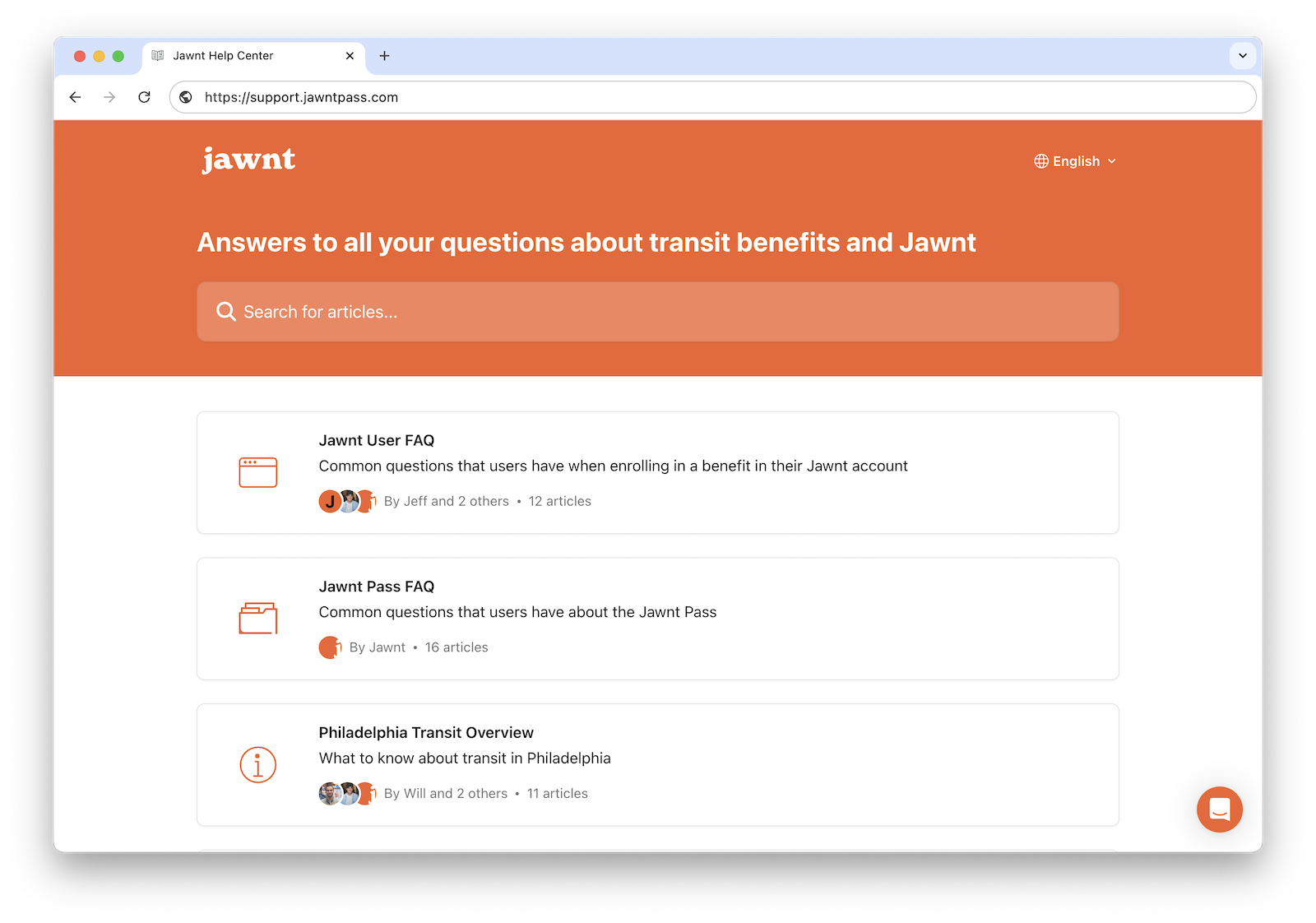
For general questions about enrolling in Jawnt, Jawnt Pass, and reimbursement, you can also visit the Jawnt Help Center. You can also reach Jawnt Support directly from your Jawnt account by clicking the chat icon at the bottom right corner of their screen, or get in touch at support@jawntpass.com or 888-513-5935.
If you don't have your Jawnt Pass debit card with you when paying for an eligible parking expense, you may submit your expense for reimbursement within 180 days of purchase. Once approved, reimbursement will be sent to your bank account via direct deposit.
Please note: In accordance with IRS guidelines, transit expenses are not eligible for reimbursement. Learn more about Jawnt's Reimbursement Policy.
Parking expenses eligible for reimbursement include:
Note: You must enroll in the Jawnt Pass benefit before you can submit a reimbursement request.
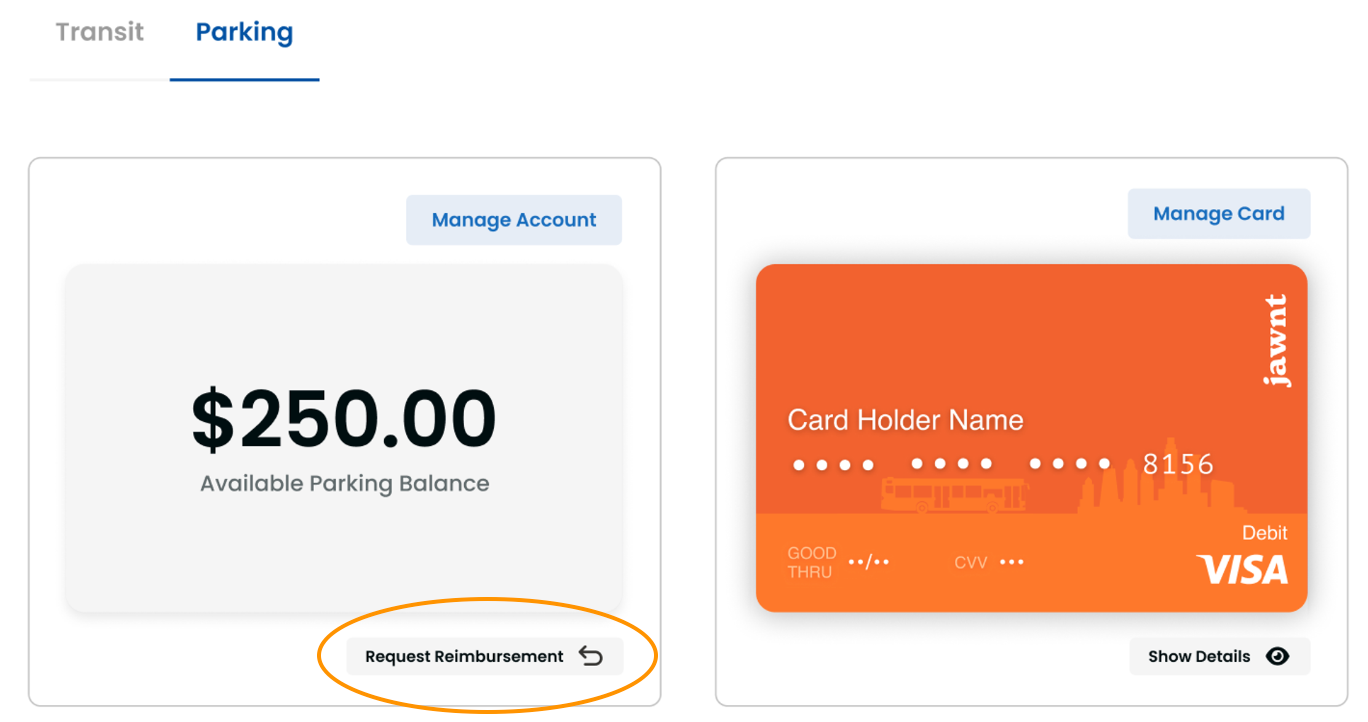
To get started, you will need a receipt (either a photo or a screenshot) that clearly displays the name of the merchant, the date, and the amount paid.
Jawnt’s team will review your request within five business days. If approved, you will receive your reimbursement within an additional five days.
For general questions on how Jawnt Pass works, how to get set up, and how to manage your contributions, visit the Jawnt Help Center or get in touch at support@jawntpass.com / 888-513-5935.
Happy riding!
Note: Some of the articles in the Help Center may not be applicable to Commonwealth of Massachusetts employees. When in doubt, check this page or get in touch!