
To log in to your Jawnt account and enroll in any of these benefits, please follow the below steps:
1. Go to jawntpass.com/signin/uphs
2. You will be brought to the Penn Medicine Remote Access Portal. Log in to Jawnt with your username and password.
3. In your Jawnt account, under Available benefits, choose the benefit you want to enroll in and click Enroll.
4. Complete the steps to enroll!
Click a benefit to learn more about enrolling through Jawnt.

UPHS employees are eligible for a one year Indego365 pass for $134.78/year. That's a 14% discount! The payment will be deducted post-tax from your paycheck.
1. In your Jawnt account, locate the Indego Bike Share benefit and click Enroll.
2. Enter the email address associated with your Indego account.
3. Jawnt will email you a promo code for your Indego365 pass by the first of the upcoming month!
Jawnt Pass is a commuter debit card that can be used to pay for eligible transit and/or parking expenses. It's a great option if you use different modes of transportation to get to and from work, and want to save money while doing it!
1. In your Jawnt account, locate the Jawnt Pass benefit and click Enroll.
2. Choose how much you’d like to contribute each month to transit and/or parking.
3. Enter and submit your contact information.
That’s it! Look out for your Jawnt Pass in the mail and an email from us once the funds are loaded to your card. Learn more about Jawnt Pass in our Help Center.
You have the option to purchase a $35/month Transit & Local Rail Pass(subway, bus, Zone 1 Rail) or a $60/month All Access Pass (subway, bus, all Regional Rail lines & zones).
1. In your Jawnt account, locate the SEPTA Key Advantage benefit and click Enroll.
2. Choose which Key Advantage option you’d like to enroll in: $35/month Transit & Local Rail or $60/month All Access
3. Enter your Card Reference ID. If you need help finding your Card Reference ID, click the Read article button.
4. Read and accept the terms and conditions.
That’s it! Look out for an email from us once the pass is loaded to your card, effective the 1st of the month.
Purchase and load your FREEDOM Card using pre-tax funds to save up to 30% on commuting costs.
1. In your Jawnt account, locate the PATCO FREEDOM Card benefit and click Enroll.
2. Choose the amount you’d like added to your FREEDOM Card. Note: You can change your contribution amount each month, if needed.
3. Enter your 20-digit PATCO Card Number.
That’s it! Look out for an email from us once the funds are loaded to your card. Learn more about PATCO FREEDOM cards in our Help Center.
You have the option to purchase either NJ Transit monthly rail or bus passes.
To purchase a monthly rail pass:
1. In your Jawnt account, locate the NJ Transit - Train Passes benefit and click Enroll.
2. Enter your Origin and Destination stations.
3. After completing enrollment, look out for an email from NJ Transit inviting you to create a new MyTix Mobile Ticketing Account, if you do not already have one.
4. NJ Transit will email you again on the first of the month when your pass is active and ready to use!
To purchase a monthly bus pass:
1. In your Jawnt account, locate the NJ Transit - Bus Passes benefit and click Enroll.
2. Choose the Region and Number of Zones needed.
3. After completing enrollment, look out for an email from NJ Transit inviting you to create a new MyTix Mobile Ticketing Account, if you do not already have one.
4. NJ Transit will email you again on the first of the month when your pass is active and ready to use!
You have the option to purchase either Amtrak 10 Ride or Monthly passes.
To purchase a 10 Ride Pass:
1. In your Jawnt account, locate the Amtrak 10 Ride Passes benefit and click Enroll.
2. Enter your Origin and Destination stations and complete the enrollment steps.
3. Look out for an email from Jawnt with your Amtrak Reservation Number. Note: This Reservation Number allows you to book up to two rides per day for the entire month, but you still need to reserve seats for specific trains through Amtrak's RideReserve system.
4. Follow the steps outlined in the email to book your Amtrak rides for the duration of the month.
To purchase a Monthly Pass:
1. In your Jawnt account, locate the Amtrak Monthly Passes benefit and click Enroll.
2. Enter your Origin and Destination stations and complete the enrollment steps.
3. Look out for an email from Jawnt with your Amtrak Reservation Number. Note: This Reservation Number allows you to book up to two rides per day for the entire month, but you still need to reserve seats for specific trains through Amtrak's RideReserve system.
4. Follow the steps outlined in the email to book your Amtrak rides for the duration of the month.
Answers to commonly asked questions about commuter benefits.
You can enroll or make changes to your commuter benefits at any time. However, it takes some time to process these updates. To ensure funds get loaded correctly at the beginning of the next month, you'll need to enroll or make any changes by the 19th of the month.
If you miss the enrollment deadline, you'll still be enrolled, but funds won't be loaded on your card until the start of the following month.
Jawnt Pass is an IRS-regulated pre-tax benefit, and per IRS guidelines, unused funds are handled differently depending on your enrollment status.
Unused commuter benefit funds roll over month to month, but are not refundable. That means once the money is in your Jawnt Pass account, it'll stay there until you use it.
If you choose to unenroll from Jawnt Pass but remain eligible for commuter benefits through your employer, you'll continue to have access to your Jawnt Pass and any unused funds in your account. You will not accumulate any additional funds while you are unenrolled.
If you separate from your employer or become ineligible for commuter benefits, your Jawnt Pass will be frozen and can no longer be used to make purchases.
Additional information can be found in our support article here.
Unlike health benefits, commuter benefit elections can be changed monthly. You can change your benefit elections any time in to your Jawnt account.
To enroll in a new benefit, go to My passes in your Jawnt account, locate the benefit you want to enroll in, and click Enroll. Follow the steps to enroll, and that's it!
To make changes to an existing benefit, go to My passes in your Jawnt account, locate the benefit you want to edit, and click Edit. Be sure to click Update enrollment after making your changes.
To unenroll in a benefit, go to My passes in your Jawnt account, locate the benefit you want to unenroll from, and click Edit. Scroll to the bottom and select Unenroll.
For the latest updates on SEPTA fares and service changes, please see these official links:
Please note that your SEPTA Key Advantage card still works systemwide. If your commute is impacted by service delays, check the SEPTA website for the latest and consider alternate routes or first/last-mile options like Indego.
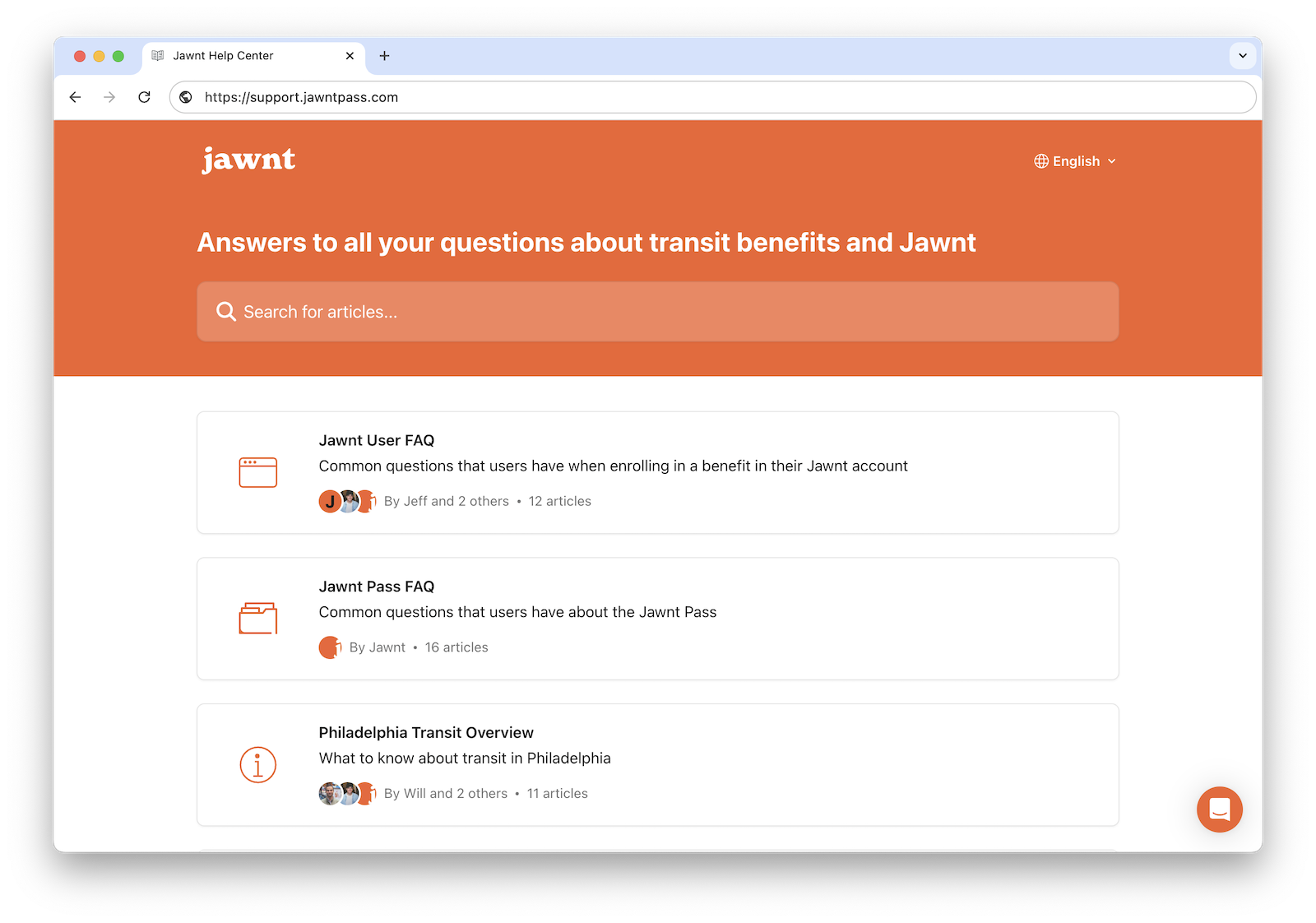
For general questions on how Jawnt Pass works, how to get set up, and how to manage your contributions, visit the Jawnt Help Center or get in touch at support@jawntpass.com / 888-513-5935.
Happy riding!
Note: Some of the articles in the Help Center may not be applicable to the UPHS program. When in doubt, check this page or get in touch!
For questions about eligibility and payroll deductions, contact UPHS Benefits. For SEPTA questions, contact the SEPTA Admin at UPHS.



.jpeg)
.png)
