Need this page in another language? Open the page in Chrome, then right-click anywhere on the page and select "Translate".


Introducing Harvard’s improved commuter benefit, now with greater flexibility and ways to save. Learn more and get started below.
The deadline to enroll or make changes in Jawnt is the 7th of the month. Once enrolled, your benefit will be active starting the next month.
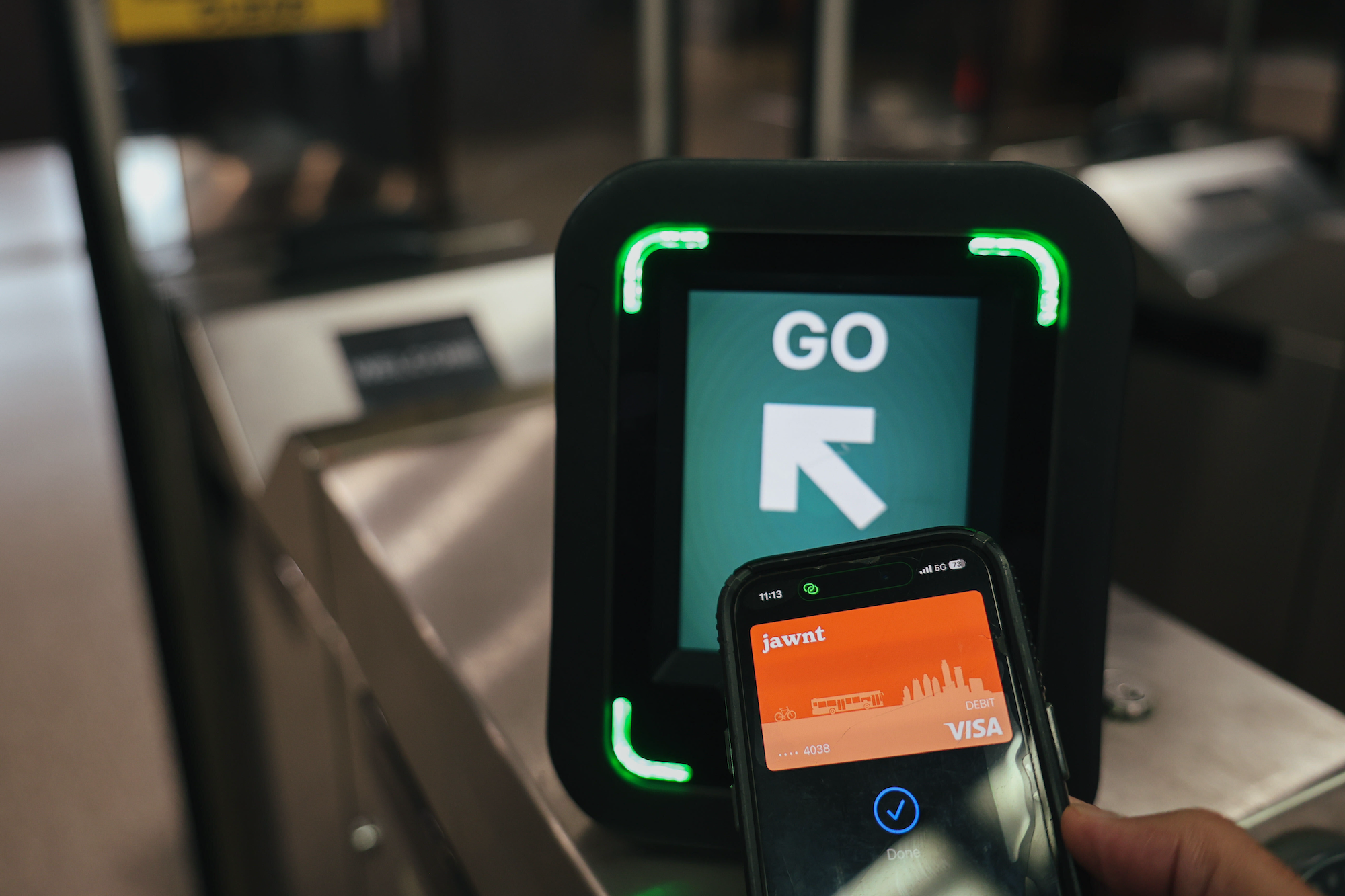
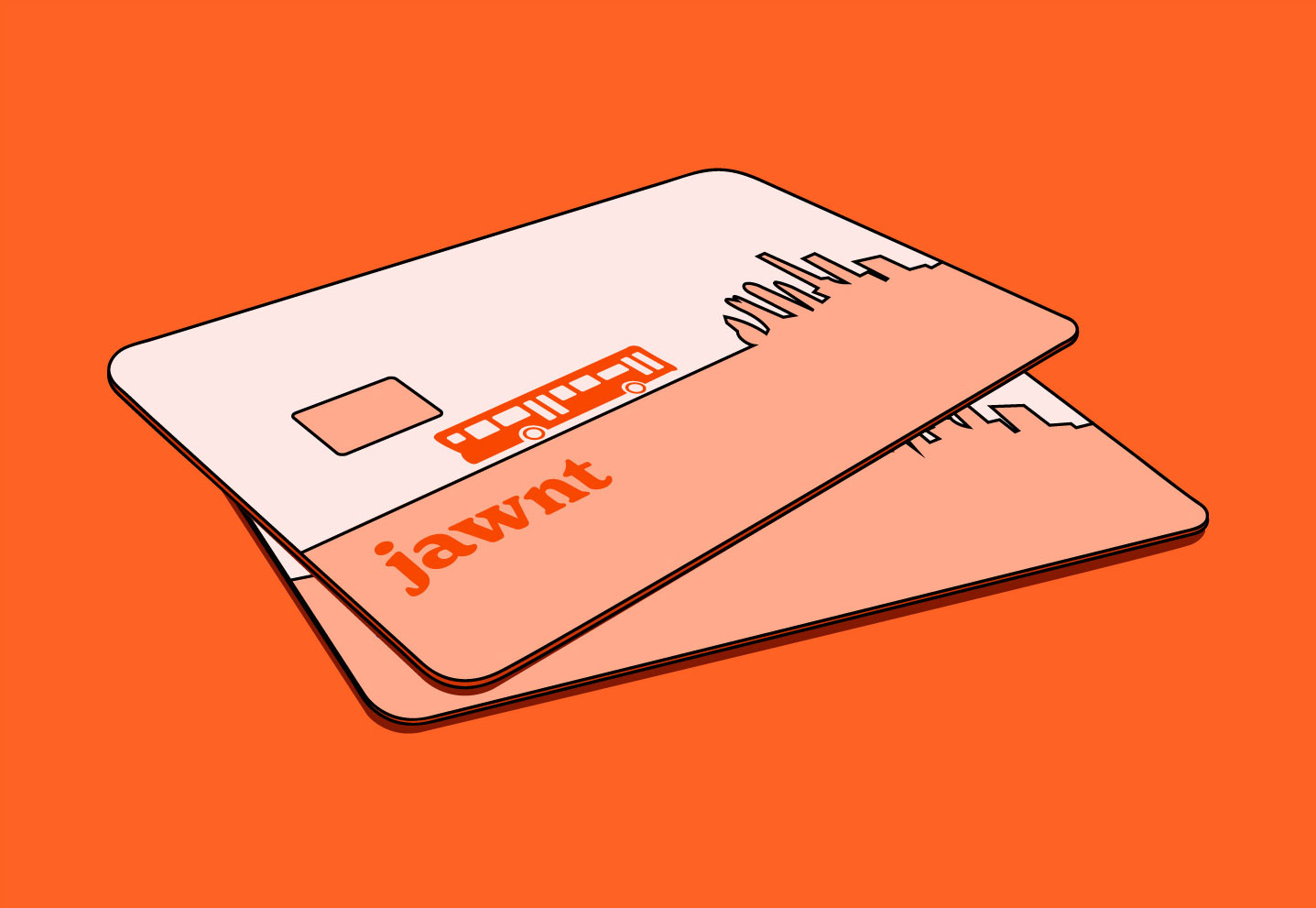
You'll be able to access the virtual version of your Jawnt Pass debit card in the Jawnt Pass section of your account right away. If you're buying a monthly transit pass, this allows you to purchase your monthly pass ahead of time so everything is ready to go at the start of the next month. Learn more about Jawnt Pass + the MBTA.
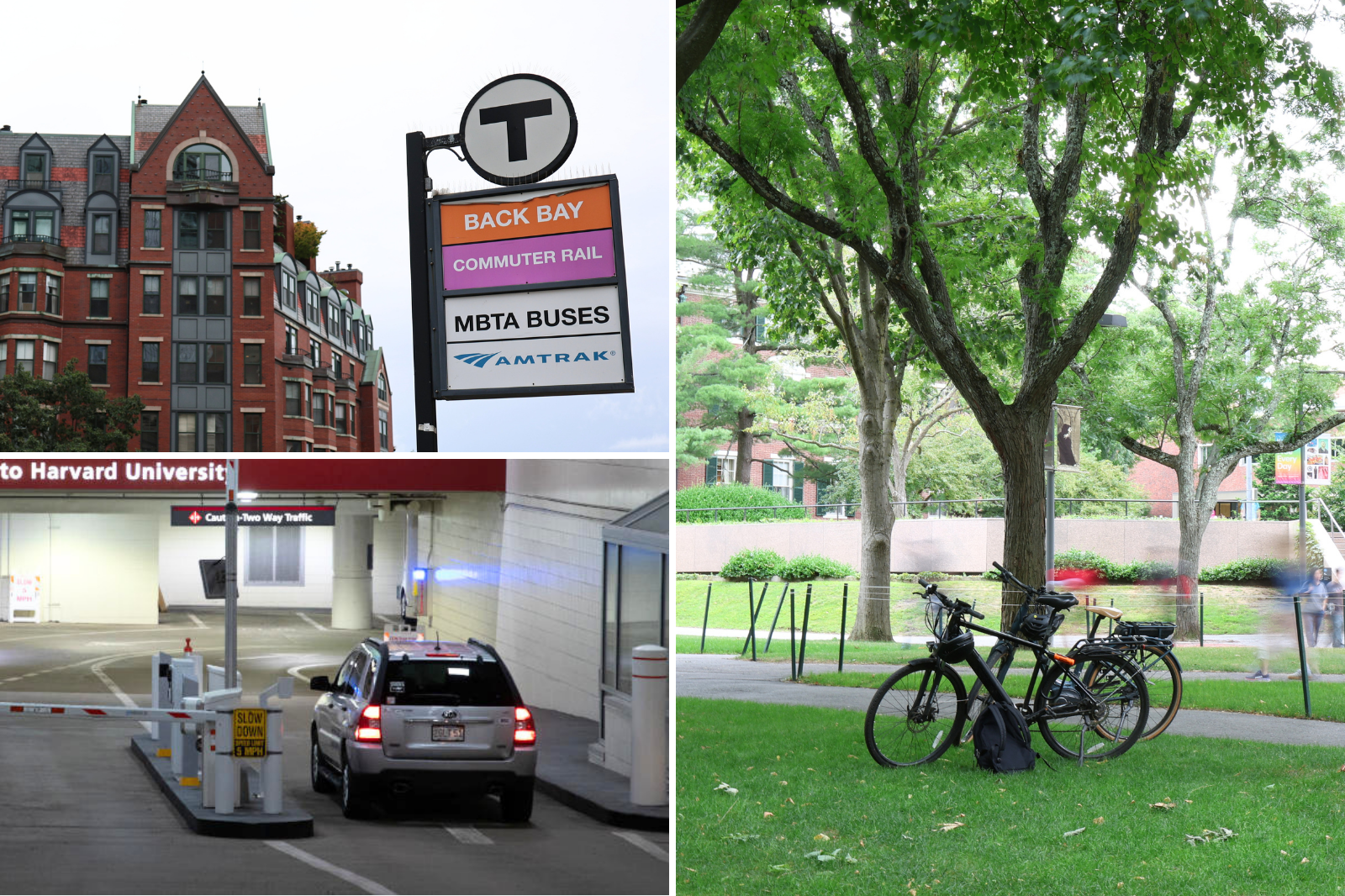
When enrolling in commuter benefits, you can choose either the bike benefit or the transit+parking benefit. Expand each section to learn more about enrolling and switching between benefits.

Harvard's transit benefit allows eligible employees to receive a 60% subsidy on transit purchases, in addition to pre-tax savings up to federal and state limits. Once you've enrolled and your Jawnt Pass debit card is funded, you can use your card to purchase MBTA transit fares and passes. This option can be combined with pre-tax parking if you also pay for parking at transit stations or on campus.
Your Jawnt Pass can be used in different ways depending on how you commute:
Not sure which option to choose? Use the calculator below to determine which option is best for you. You can also schedule a commute concierge meeting with Harvard Campus Service Center staff to go over your commute options and how to make the most of your transit benefits.
The pre-tax transit parking benefit is available for all full-time, benefits-eligible employees without a Harvard Annual Parking Permit.
This benefit allows you to spend up to pre-tax limits ($340/month in 2026) for work-related parking expenses. It can be combined with Harvard's transit benefit if you also ride transit as part of your commute. Learn how to use parking and transit benefits together.
Eligible parking expenses include:
You can load pre-tax funds onto your Jawnt Pass commuter debit card and pay for parking expenses directly, or submit parking-related reimbursements through Jawnt.
Please note that this benefit cannot be used for annual Harvard parking permits.
This benefit originally ran through a Jawnt Pass card with direct payment. It's now moved to a reimbursement model for the remainder of 2026 - pay out of pocket, then submit for reimbursement through Jawnt. Reimbursement submission is expected to be available in Jawnt by August, and receipts will be reviewed in January 2027.
Harvard's bicycle commuter benefit will operate on a reimbursement basis for the remainder of 2026. Pay for eligible bike commuting expenses with a personal card (or cash), then submit a reimbursement request through Jawnt - up to $360 per calendar year.
If you already used a Jawnt Pass debit card for bike-related purchases and/or reimbursements prior to this change: that's now turned off, so your card will no longer be loaded with the $30/month and won't work for new purchases, but any balance already on it will be available as a reimbursement. Paying for bike expenses directly through your Jawnt Pass card will be available again in 2027 — for now, save your receipts to submit through the reimbursement process described above.
The Guaranteed Ride Home Program supports Harvard green commuters with a free ride if a qualified unexpected emergency arises. Note: This benefit is only available to Cambridge & Allston faculty and staff.
How it works: In the event of an emergency, arrange and pay for a ride home from work, then submit your receipt through Jawnt within 30 days. You do not need to be enrolled in the transit+parking or the bike benefit to use the Guaranteed Ride Home Program. Simply log in to Jawnt with your Harvard credentials to get started.
Once submitted, reimbursement is processed and mailed within 4–6 weeks. Learn how to submit a Guaranteed Ride Home reimbursement request in Jawnt.
The University reserves the right to cancel or deny reimbursement claims or confirm an emergency trip with your supervisor with or without cause at any time.
Here are answers to some common questions you may have about your commuter benefit.
Some benefits are available by location or employment type. To check your eligibility for commuting benefits, view the Eligibility Criteria on the Harvard Transportation website.
Your eligible benefits are also visible on the My Passes page when you log in to Jawnt at jawntpass.com/signin/harvard.
Effective May 1, 2026, Jawnt will be Harvard's new commuter benefits provider, and Edenred will be discontinued. If you previously received a monthly transit pass through Edenred, you’ll need to re-enroll in Jawnt and complete a one-time process to begin ordering monthly transit passes with your new Jawnt Pass debit card. See the "Getting Started" section above for steps on how to quickly and easily enroll in Jawnt.
If you have a commuter debit card through Edenred, any unused funds from your existing card will be rolled over to your Jawnt Pass debit card. Here's what you need to know about transitioning your Edenred debit card to the Jawnt Pass debit card:
Read the additional FAQs below for more information about how your new benefit works.
Yes - similar to your previous transit benefit, the amount you contribute to your Jawnt Pass debit card will be deducted from your paycheck, pre-tax. Payroll deduction is taken once monthly, typically in the last paycheck before the effective benefit month.
The amount deducted reflects the amount you pay after Harvard's transit subsidy has been applied, so you're only paying 40% of the total monthly amount added to your Jawnt Pass debit card. To estimate your monthly out-of-pocket cost, use the commute calculator.
If you previously used Edenred for Harvard's transit benefit, you may be used to purchasing a subsidized monthly transit pass directly. The Jawnt Pass debit card gives you more flexibility in how you use your benefit for transit: you can use it for a monthly pass, single rides, or transit agencies like Amtrak, all at the subsidized rate. If you have a hybrid schedule and don't need a full monthly pass, the card lets you apply your benefit only on the days you travel, rather than paying upfront for a full month.
If you'd like to continue purchasing monthly passes, you'll need to complete a one-time process to get your Jawnt Pass debit card, then you can use that card to set up auto-pay so you can continue getting your transit pass without needing to re-order each month.
You can enroll or make changes to your commuter benefits at any time, but deadlines affect when they take effect. To start on the 1st of the next month, enroll or make changes by the 7th of the preceding month by 11:59 PM. If you just missed the deadline and need your benefit as soon as possible, reach out to commuterchoice@harvard.edu.
For a detailed breakdown of the timeline, including information on purchasing a monthly pass, see our help article.
When enrolling in commuter benefits, you can choose between the transit/parking benefit or the bike benefit. You can only be enrolled in one of these benefits at a time. However, if your commute changes, you can easily switch between them.
You can also update your enrollment any time if you need to change your transit or parking contributions (for example, if you're switching from a monthly pass to pay-per-ride). To make sure your changes go into effect at the beginning of the next month, be sure to update your enrollment before the 7th of the previous month.
Learn more about switching between benefits and using Jawnt Pass for different commuting methods.
Unused commuter benefit funds roll over month to month, but are not refundable. That means once the money is in your Jawnt Pass account, it'll stay there until you use it or leave the University. However, updated IRS guidance allows the transfer of pre-tax funds between transit and parking. Read more below.
We're able to transfer pre-tax funds between your transit and parking balances (and vice versa). For example, if you've started taking transit to work more often and have accumulated excess funds in your parking balance, you can transfer those pre-tax parking funds to your transit balance in Jawnt. Simply reach out to us at support@jawntpass.com, and we'd be happy to help.
Please note that when requesting a transfer from transit to parking, you'll only be able to transfer the 40% employee contribution portion of your transit funds. This is because Harvard applies a 60% subsidy to transit contributions, while parking benefits are not subsidized.
Learn how to move funds between pre-tax transit and parking accounts in Jawnt.
Yes! If you won't be commuting for a while, you can update your Jawnt Pass contributions to $0, so funds won't be added to your Jawnt Pass when you don't need them.
To pause your contributions:
Updates made before the 7th of the month will go into effect at the beginning of the next month. So if you want to pause your benefit starting in June, be sure to complete these steps by May 7th.
To re-enroll, log back in to your Jawnt account and update your contribution amounts to reflect your commuting costs. For example, if you're going to start commuting again in August, you'd update your contribution amounts in Jawnt by July 7th. You can use the same Jawnt Pass debit card you used before; no need for a new one.
Important: If you've set up an auto-pay subscription for a monthly pass on the MyCharlie website, you'll also need to cancel your current auto-pay subscription. This help article walks you through the steps to to cancel (and later re-add) an auto-pay subscription.
Transit subsidies are capped at 60% of the cost of a monthly MBTA pass, as determined by your home address listed in PeopleSoft. Your subsidy amount is calculated based on the MBTA zone associated with that address. If you have recently moved, you must update your home address in PeopleSoft. Your subsidy level will be adjusted within 24 hours of the update. Have questions? Get in touch at commuterchoice@harvard.edu.
Harvard's bicycle commuter benefit has reverted to a reimbursement model for 2026 (direct payment through your Jawnt Pass is expected to return in 2027). In the meantime, pay for eligible bike commuting expenses with a personal card (or cash), then submit a reimbursement request through Jawnt - up to $360 per calendar year.
Keep your receipts as you go. Each one should show the seller's name, a description of the item or service, the amount and payment method, and the date.
If you don't have a receipt, you can see the next FAQ.
If your receipt is missing any required details, fill out and sign our Bike Reimbursement Benefit Attestation Form (PDF) and submit it with your reimbursement request through Jawnt.
For general questions on how Jawnt Pass works, how to get set up, and how to manage your contributions, visit the Jawnt Help Center or get in touch at support@jawntpass.com / 888-513-5935.
Happy riding!
Note: Some of these articles may not be applicable to Harvard's program. When in doubt, check this page or get in touch.